Dictate
Speak, pause and resume. When you finish, the recording is transcribed.
Image viewing, radiology consultation, doctor selection and voice reporting in one platform. Choose the service that fits your needs.
Find a doctor using the examination and doctor directory. Request a consultation for existing images or apply for an appointment. Submitting a request does not mean the appointment time is confirmed.
DICOM Viewer supports image review, RADAZ Voice prepares reports from dictation and templates, and Bridge transfers clinic studies to the cloud archive. Your workspace limits access to the requests and archives you are authorised to use.
RADAZ Voice AI brings dictation, templates and report preparation into the doctor’s workspace. Use the same account and usage package on your computer, phone and tablet.
Speak, pause and resume. When you finish, the recording is transcribed.
Upload your templates, then prepare and edit the report from your dictation.
Full preview, clinic letterhead, PDF and Word export. The physician reviews and approves the final report.
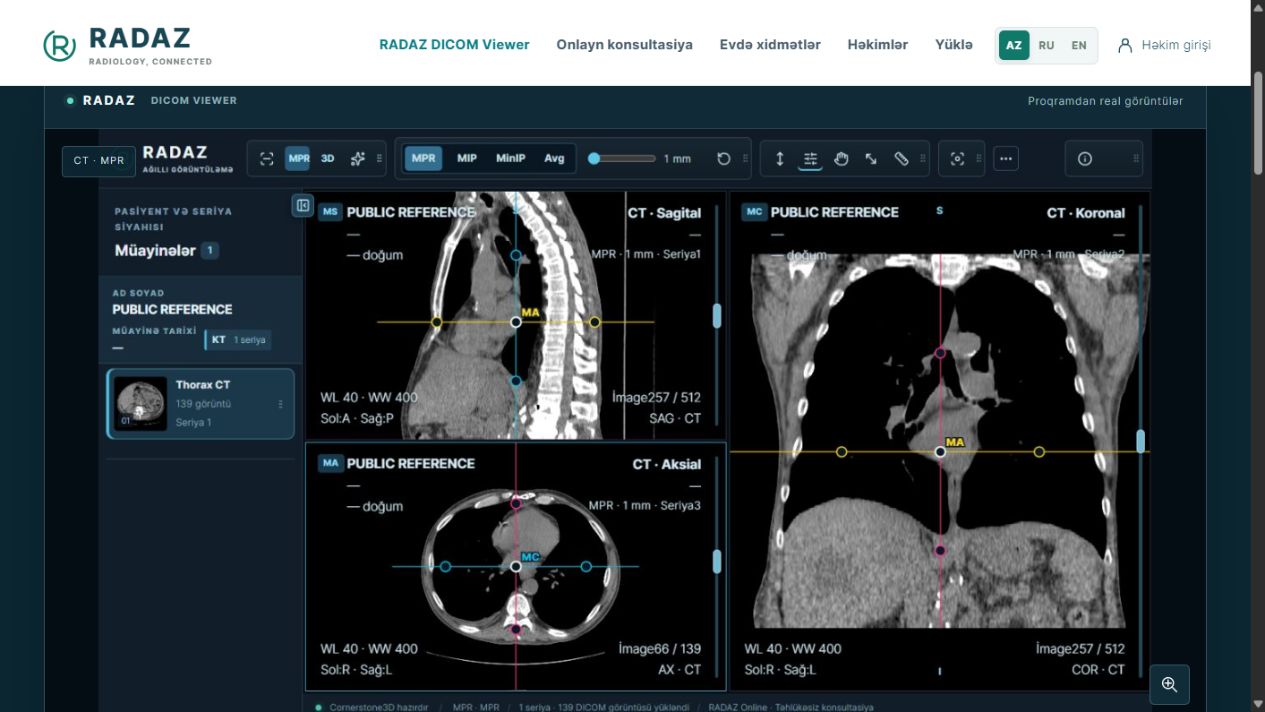
Open CT, MRI and other DICOM studies by series, compare images and use MPR and 3D views when the image data supports them.
Learn more →Windows Bridge connects a clinic’s DICOM transfer workflow to the RADAZ cloud archive. Manage clinic connections and synchronisation status from your workspace.
Learn more →Upload your existing radiology images, choose a doctor and describe your concern. The request reaches the doctor’s workspace after payment confirmation.
Learn more →Contact RADAZ for home X-ray, ultrasound and ECG services. Location, suitable time and service availability are confirmed in advance.
Learn more →Choose a doctor and examination and request a suitable time. The doctor or clinic confirms the appointment or proposes an alternative.
Learn more →